Free AVIF to JPG converter
Open AVIF images anywhere by turning them into JPG: older apps, Windows tools, printers and upload forms. Converted in your browser, nothing is uploaded.
or drop them here · paste with Ctrl+V
AVIF→ JPGUp to 10 images · 30 MB each
Drop images to convert them
Converted on your device. Nothing is uploaded.
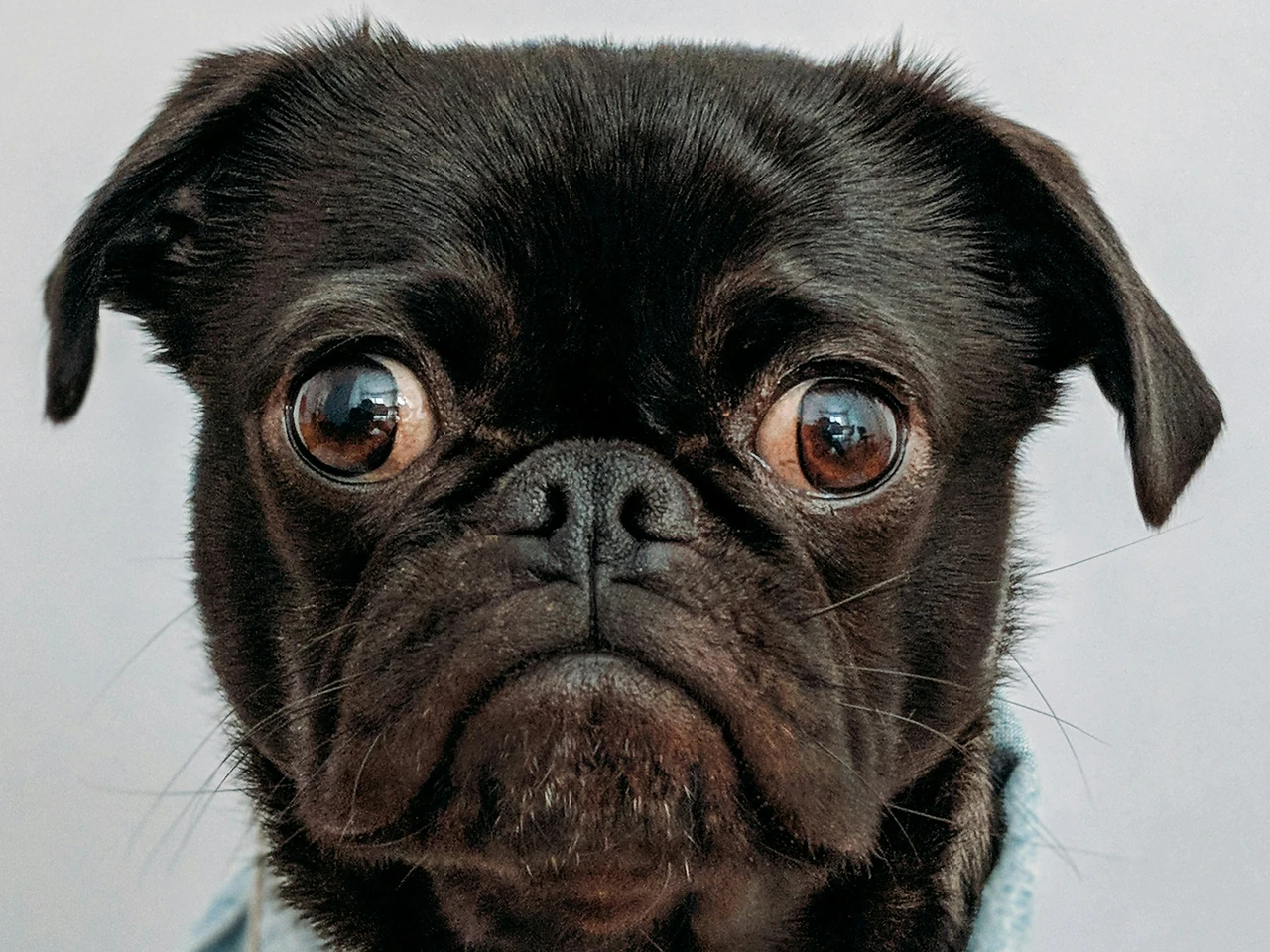 AVIFOlder apps can't open it
AVIF makes images very small for fast websites, but many apps and tools still can't open it. The converter turns it into a full-size JPG in your browser. Drag to compare.
Choose up to 10 files, drop them on the page or paste one: JPG, PNG, WebP, AVIF and HEIC all work.
Each image is saved as JPG in your browser, at full size. Nothing is uploaded.
Download them one by one or all together in a ZIP.
| AVIF | JPG | |
|---|---|---|
| File size | Very small | Bigger |
| Opens on | Current browsers and new apps | Everything: older apps, printers, upload forms |
| Transparency | Supported | None: white background |
| Best for | Fast websites | Sharing, editing, printing |
An animated AVIF becomes its first frame, and a transparent one gets a white background. Your browser needs to read AVIF: any current Chrome, Edge, Firefox or Safari does.
The converter runs in your browser: images are read and saved on your computer or phone, and nothing is sent to our server. Location, camera and date details are not copied into the new file.
It is free, with no sign-up and no watermark. Convert up to 10 images at a time, up to 30 MB and 50 megapixels each (24 on a phone).
No. Everything happens in your browser: your images and the converted files stay on your device.
A newer image format that makes pictures very small. Browsers show it, but many apps, editors and upload forms still don't open it.
The JPG keeps the full size. JPG compresses a little: Best keeps the most detail, and High looks the same for most images.
AVIF packs images very tightly. JPG is the trade-off for a file that opens everywhere.
Your browser has to read AVIF. Update Chrome, Edge, Firefox or Safari, or try another of them.
JPG, PNG, WebP, AVIF and HEIC. Whatever you add is saved as JPG.