Free AI image denoiser
Clean up grain and colour speckles from low-light and phone photos with AI. Same size, no watermark, no sign-up.
or drop them here · paste with Ctrl+V
JPGPNGWebPAVIFUp to 10 images · 30 MB each
Drop images to remove the noise
Processed in memory, then deleted.
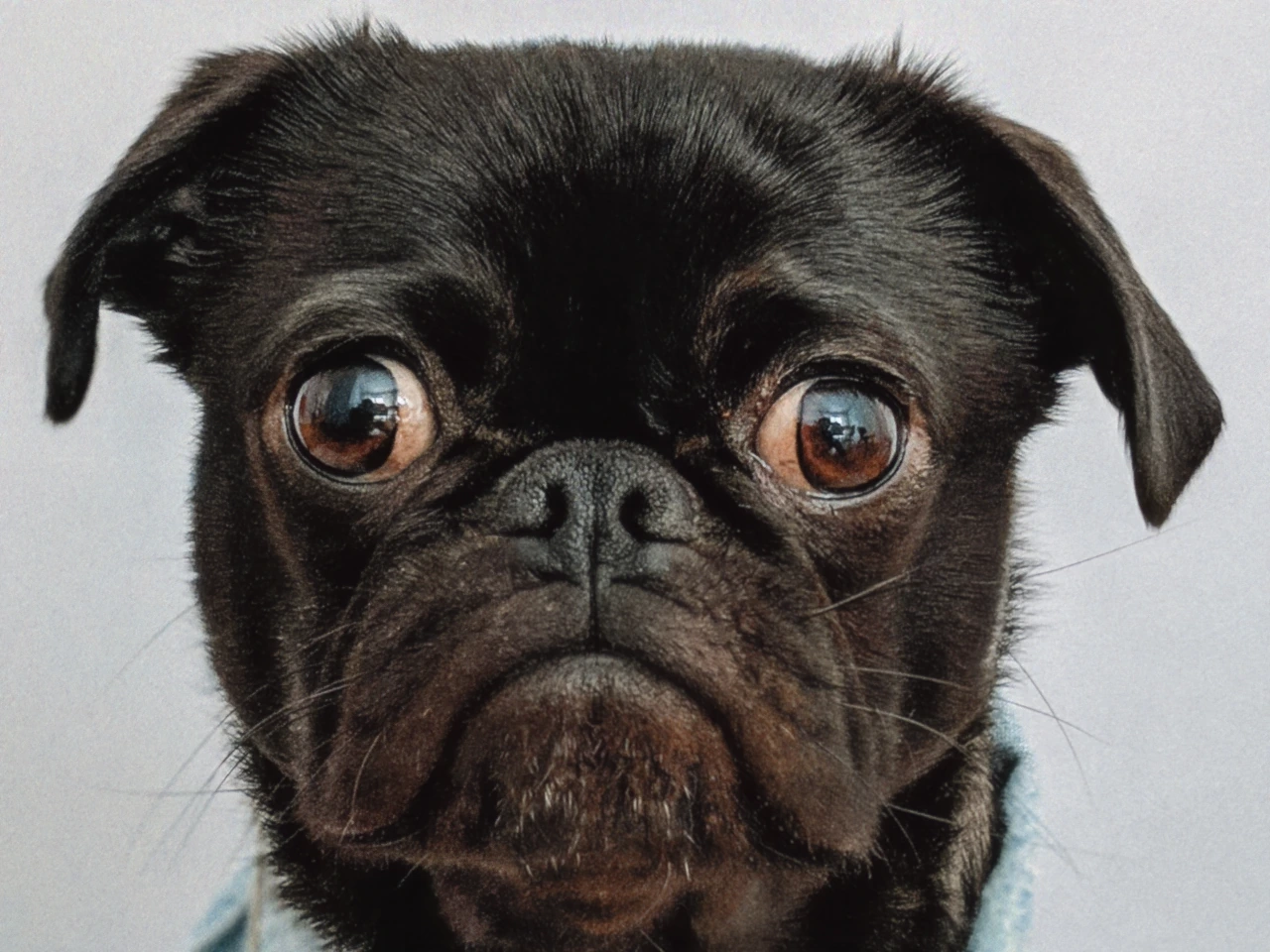
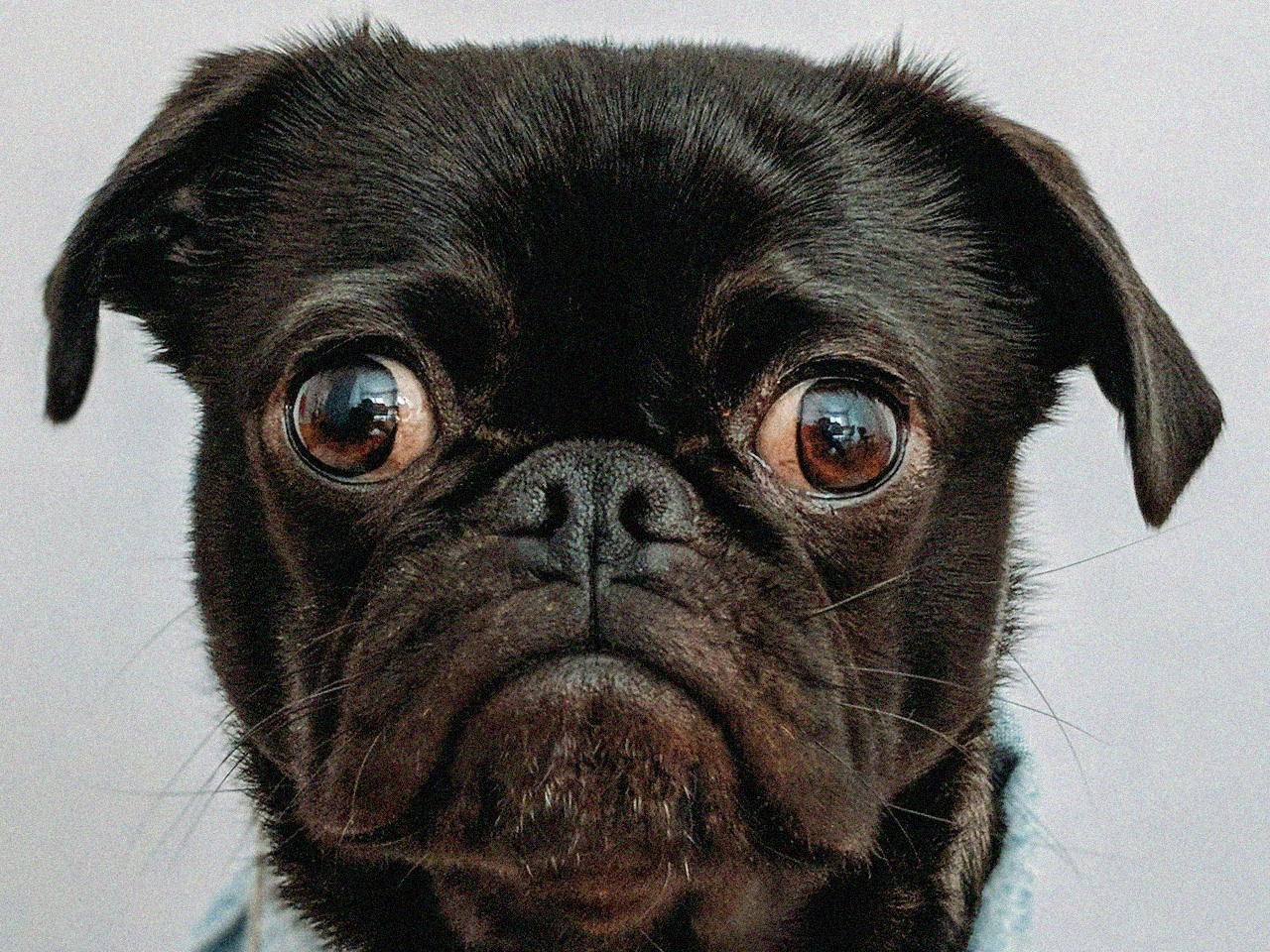
An open-source AI model (NAFNet, trained on real smartphone noise) cleans the photo on our server: it removes grain and colour speckles and keeps edges sharp. The grain in this photo was added for the demo. Drag to compare.
Choose up to 10 JPG, PNG, WebP or AVIF files, drop them on the page or paste one.
The model removes grain and colour noise and keeps the edges; a photo over 4 megapixels is scaled to 4 first.
Drag to compare with the original, then save each image or all of them in a ZIP.
| Problem | Looks like | Result |
|---|---|---|
| Low-light grain | Sand-like specks in dark areas | Smooth dark areas, sharp edges |
| Colour noise | Red, green and blue dots | Even colours |
| High-ISO phone photos | Grainy night and indoor shots | Cleaner, as if shot in better light |
| Light JPEG blockiness | Small blocks around edges | Softened; heavy blocks may remain |
Noise can't hide detail that was never captured: a very dark or blurred photo gets cleaner, not sharper. On a photo with no noise, the model can soften fine texture a little.
To remove the noise, the image is sent to our server over an encrypted connection, cleaned in memory and deleted as soon as the result is sent back. It is never stored, logged or seen by anyone.
It is free, with no sign-up and no watermark. You can clean up to 10 images at a time and 50 an hour.
Yes, up to 4 megapixels. A bigger photo, such as a 12-megapixel phone shot, is scaled down to 4 megapixels first, and the result says so.
Grain from low light and high ISO, colour speckles, and light JPEG blockiness. It works best on phone and camera photos taken in dim light.
It makes it cleaner, not sharper: edges are kept, but detail that was never captured can't come back. For a bigger, sharper image, use the upscaler.
NAFNet, an open-source model by Megvii (MIT licence) trained on real smartphone noise, running on our own server.
Yes, each image is sent to our server, processed in memory and deleted at once. Nothing is stored and no one sees it.
About 5–8 seconds for a 1-megapixel photo and up to about 30 seconds at 4 megapixels. Images are done one after another.
Yes. A PNG, WebP or AVIF with a transparent background stays transparent; JPG has no transparency, so it becomes white.
Any page, phone and desktop
Smaller files, same look
Exact pixels or percent
Square, 16:9, circle and more
Transparent PNG in seconds
Bigger, sharper with AI
iPhone photos that open everywhere